What can I upload to StudyAI?
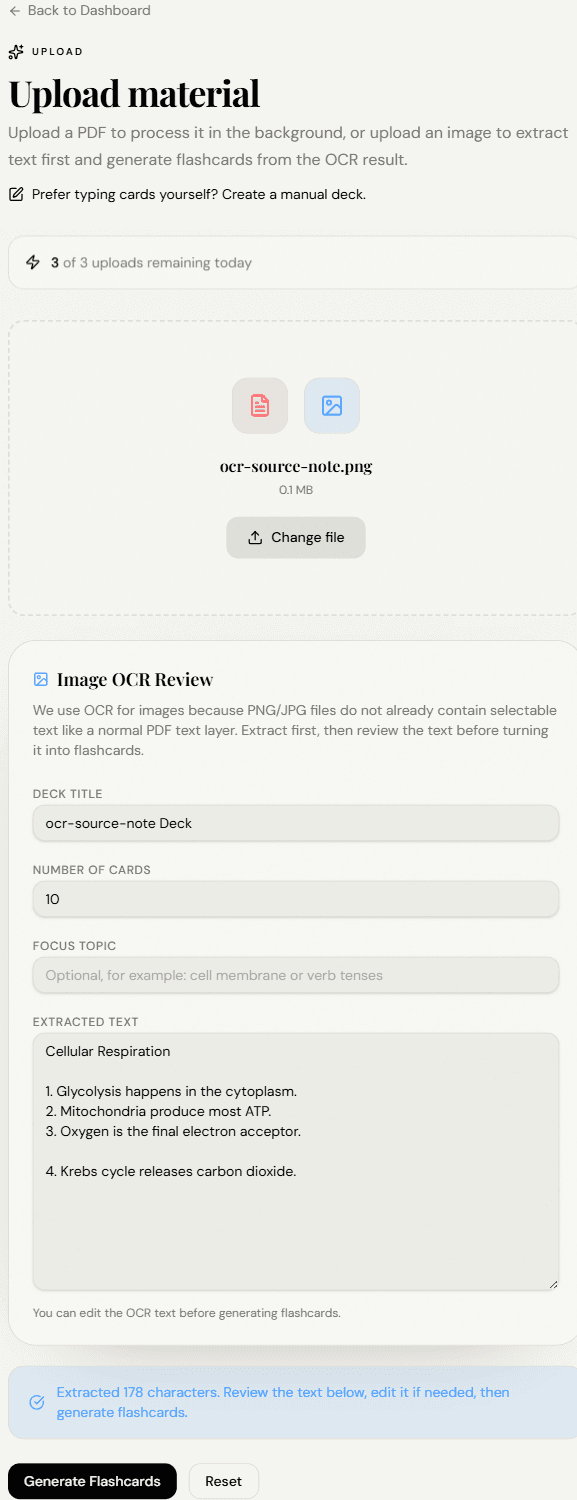
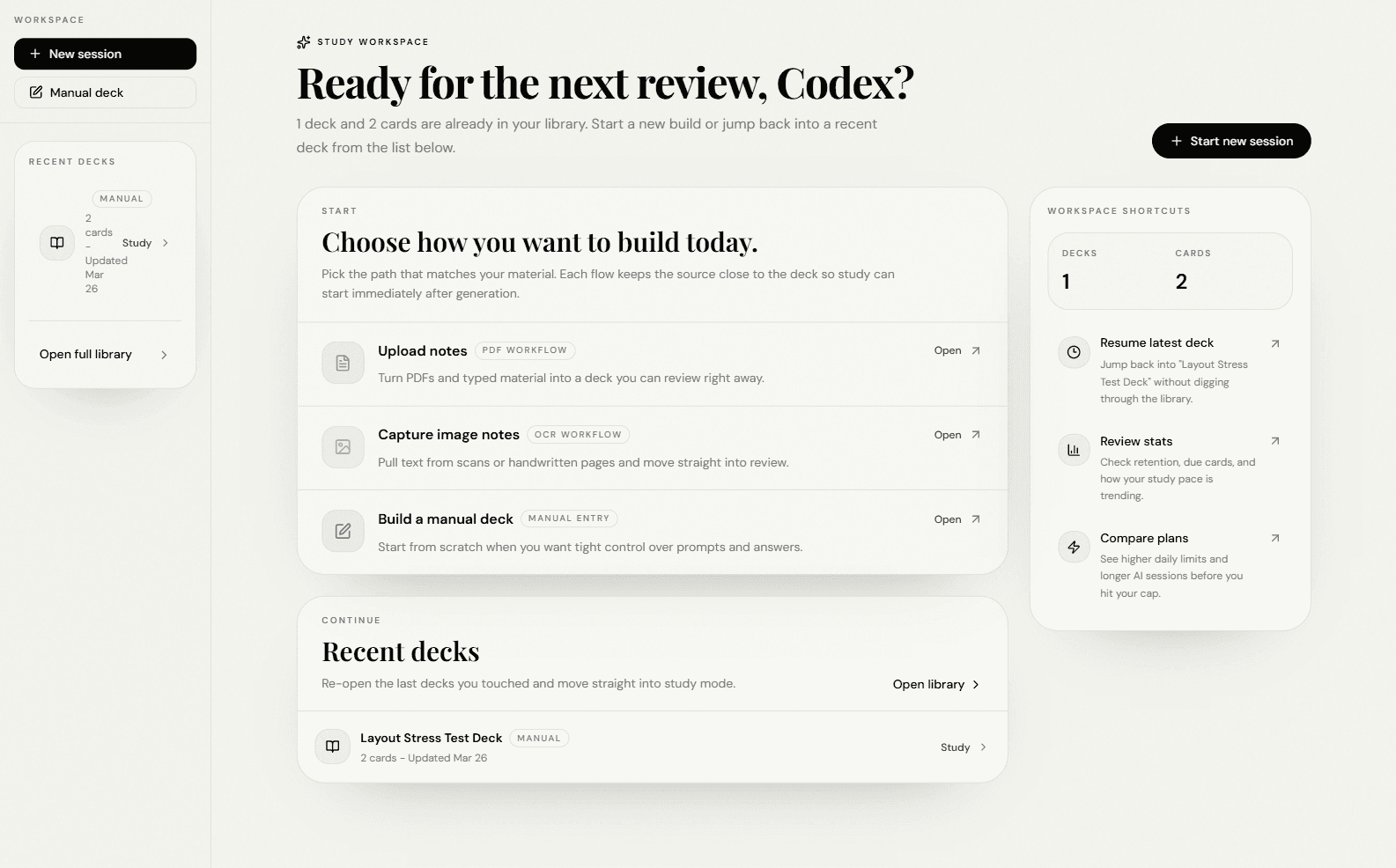
You can start from PDFs, images of notes, or a fully manual deck when you already know the structure you want.
StudyAI
Upload your source, generate flashcards with AI, and keep the explanation beside the material while you review.
One workflow
StudyAI keeps extraction, card creation, and follow-up study in the same place so the handoff between steps feels instant.
Upload a PDF, pull text from notes, or start a manual deck without changing your study routine.
Turn the source into flashcards, refine weak spots, and keep the context close while you edit.
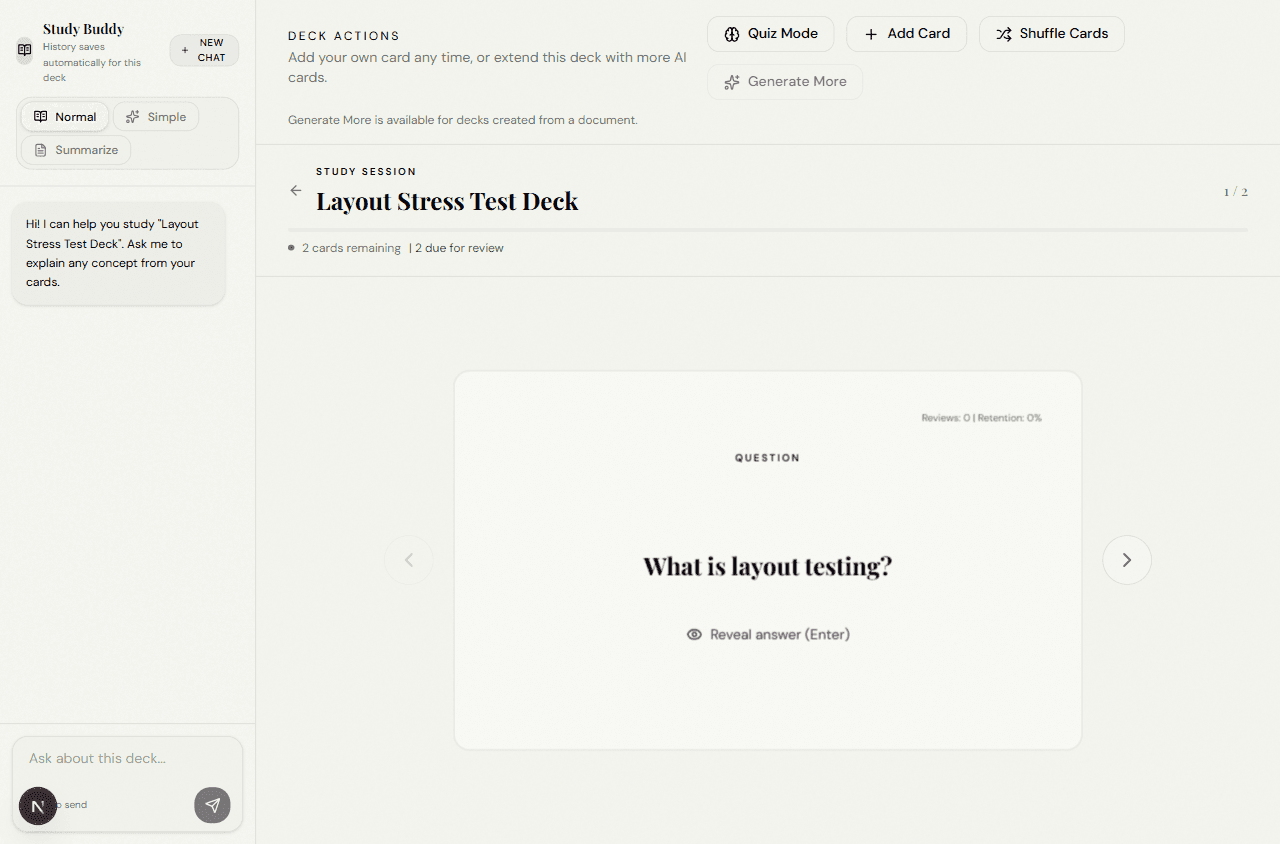
Review in focused rounds and use Study Buddy when you need a simpler explanation or summary.
Stay in context
The product depth is not in extra widgets. It is in how quickly you can move from document to card to understanding without losing the thread.
Extract handwritten or scanned notes, then move straight into deck generation without a separate cleanup workflow.
Add your own cards, tune focus topics, and keep the deck aligned with how you actually review for class.
Ask follow-up questions while studying so the explanation stays tied to the document and not generic web filler.
FAQ
You can start from PDFs, images of notes, or a fully manual deck when you already know the structure you want.
Yes. Study Buddy is designed to answer from document context and return simpler or summary-style explanations when you need them.
Yes. You can add cards manually, generate more from the same source, and keep refining the deck as you study.
Ready to start
Upload a PDF, clean up OCR, or build a manual deck when you want more control. The first study session can happen the same day.